
Stop the Mental Chaos: How to Organize Your Thoughts with Simple Diagrams

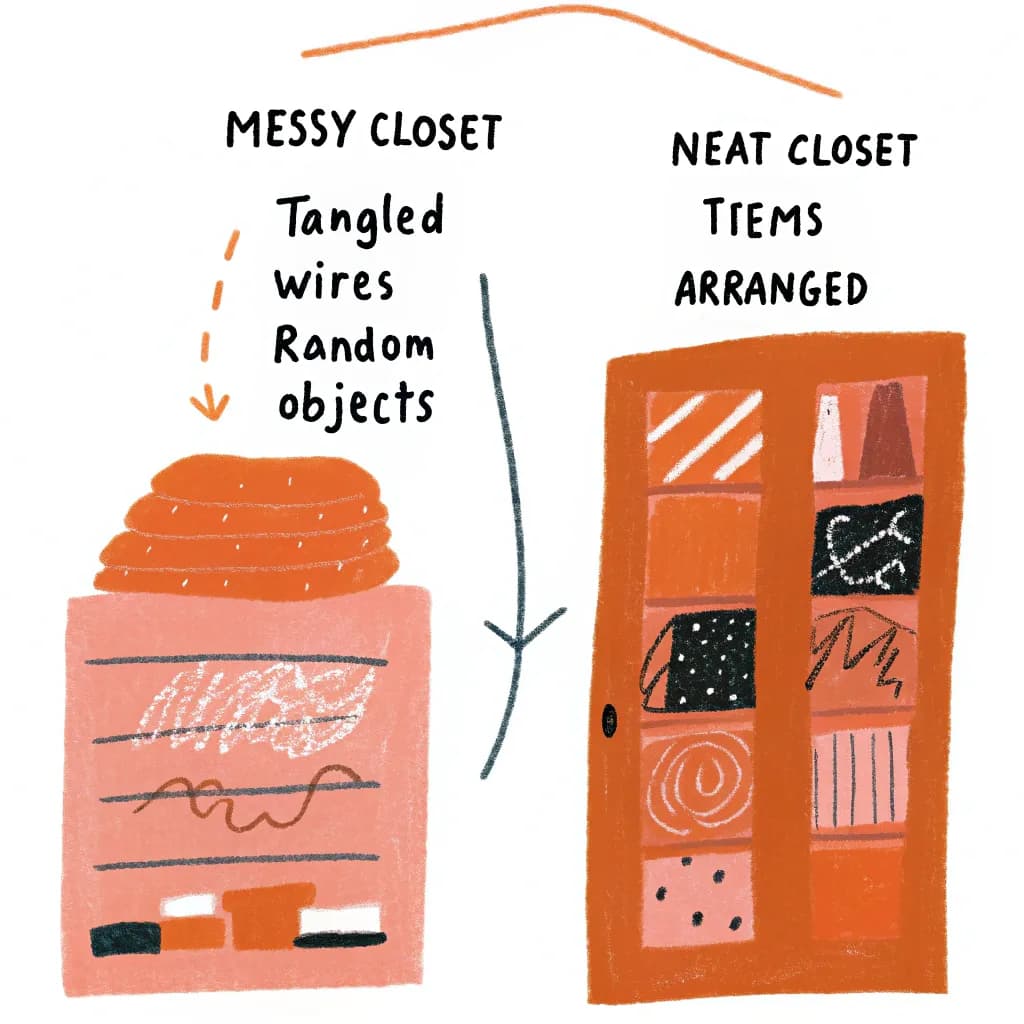
Stop the Mental Chaos: How to Organize Your Thoughts with Simple Diagrams
You know that feeling when you have a thousand thoughts bouncing around your head like ping pong balls? Where you know you're forgetting something important, but you can't quite remember what?
Welcome to the human brain-amazing at creative thinking, terrible at organization.
Here's the good news: You don't need to "fix" your brain. You just need to get those thoughts OUT of your head and INTO a format where you can actually see them.
Why Your Brain Needs External Storage
Your brain is like a computer with way too many tabs open. Eventually, it starts to lag.
The science bit: Your working memory can only hold about 4-7 pieces of information at once. But most of us try to juggle 20-30 things simultaneously.
No wonder we feel overwhelmed!
The solution: Transfer those thoughts to paper (or screen) where you can see them, sort them, and actually work with them.
The "Brain Dump" Diagram That Saves My Sanity
Here's what I do when my head feels too full:
Step 1: Get a blank page (or open AutoDiagram)
Step 2: Write down EVERYTHING in your head. No order, no filter, just dump it all out.
Step 3: Circle similar ideas
Step 4: Draw boxes around categories
Step 5: Use arrows to show relationships
Suddenly, the chaos has structure. Your brain can relax because everything is captured.
I do this every Sunday evening to prep for the week. Game-changer.
The Four Types of "Thinking Diagrams" Everyone Should Know
Type #1: The Sorting Diagram
When to use: When you have lots of ideas but no organization
How it works:
- Draw 3-4 boxes labeled with categories
- Drop each thought into the right box
- Now you can deal with one category at a time
Example: Planning your day
- Box 1: Must Do Today
- Box 2: Should Do This Week
- Box 3: Would Be Nice Someday
- Box 4: Actually Not Important
Suddenly, your 40-item to-do list becomes manageable.
Type #2: The Connection Diagram
When to use: When you're trying to understand how things relate
How it works:
- Write main ideas as circles
- Draw lines between related ideas
- Thicker lines = stronger connections
Example: Choosing a career path
- Your skills, interests, values, and opportunities all connect in different ways
- Seeing these connections visually reveals patterns you'd never notice in a list
Type #3: The Timeline Diagram
When to use: When you're planning or need to see sequence
How it works:
- Draw a line (horizontal or vertical)
- Mark points along it for events or milestones
- Add details above and below
Example: Planning to move to a new city
- 3 months before: Research areas, find job
- 2 months before: Sign lease, book movers
- 1 month before: Pack, notify utilities
- Move day: The big day!
- After: Settle in, explore, make friends
Seeing it laid out stops you from panicking about "everything happening at once."
Type #4: The Decision Diagram
When to use: When you're stuck choosing between options
How it works:
- Put your question in the center
- Branch out with each option
- Under each option, list pros and cons
- Add decision criteria (cost, time, impact)
Example: "Should I start a business or go back to school?"
- Branch 1: Start Business (pros: income potential, flexibility | cons: risky, stressful)
- Branch 2: Go to School (pros: credentials, network | cons: debt, time)
Seeing it visually often makes the "right" choice obvious.
The "One-Page Life" Exercise
Want to try something wild that actually works?
Take everything important in your life right now and fit it on ONE PAGE as a diagram.
Center: You (obviously)
Main branches:
- Work/Career
- Relationships
- Health
- Personal Growth
- Fun/Recreation
- Finances
Under each branch, add 2-3 current focuses or goals.
This exercise is powerful because:
- You see what's taking up mental space
- You notice what you're neglecting
- You can spot imbalances
- You have a visual "life map" to guide decisions
I update mine every quarter. It's like GPS for my life.
How to Organize Thoughts for Different Situations
Situation #1: Solving a Problem
Best diagram: Cause-and-effect (fishbone diagram)
- Put the problem on the right
- Draw branches for different causes
- See which areas need attention
Situation #2: Making a Big Decision
Best diagram: Decision tree
- Start with the choice
- Branch out with options
- Branch again with consequences
- See the full picture before committing
Situation #3: Learning Something New
Best diagram: Concept map
- Main topic in center
- Sub-topics branching out
- Connect related concepts with lines
- Perfect for studying!
Situation #4: Planning a Project
Best diagram: Flowchart or Gantt chart
- Shows sequence and dependencies
- Reveals potential bottlenecks
- Keeps everyone aligned
Situation #5: Brainstorming Ideas
Best diagram: Mind map
- Lets ideas flow freely
- No judgment, no order
- Organize later
The "Friday Reflection" Diagram Habit
Here's a weekly ritual that's changed my life:
Every Friday afternoon, I spend 15 minutes creating a reflection diagram:
Center: This Week
Branches:
- Wins (what went well)
- Challenges (what was hard)
- Lessons (what I learned)
- Next Week (what's coming)
- Ideas (random thoughts to capture)
This simple practice:
- Helps me learn from experience
- Prevents me from forgetting good ideas
- Gives me closure on the week
- Preps me mentally for what's ahead
Common Mental Chaos Triggers (And Diagram Solutions)
Trigger #1: "I Have Too Much To Do!"
Solution: Eisenhower Matrix diagram
- 4 boxes: Urgent/Important, Urgent/Not Important, Not Urgent/Important, Not Urgent/Not Important
- Drop tasks into boxes
- Suddenly you know what actually matters
Trigger #2: "I Can't Make a Decision!"
Solution: Pro/con comparison table
- Visual side-by-side
- Add weighting to factors that matter more
- Math sometimes makes decisions easier
Trigger #3: "I Keep Forgetting Things!"
Solution: Visual checklist with categories
- Brain dump everything
- Group by context (home, work, errands)
- Check off as you go (so satisfying!)
Trigger #4: "I Don't Know Where to Start!"
Solution: Dependency diagram
- List all tasks
- Show which must happen first
- Your starting point becomes obvious
Trigger #5: "Everything Feels Overwhelming!"
Solution: Zoom-out diagram
- Put your current stress in the big picture
- Add context: What matters in 1 year? 5 years?
- Helps you see what's actually important
The Psychology of Why This Works
There's actual science behind visual thinking:
1. Cognitive Load Reduction: Getting thoughts out of your head frees up mental RAM
2. Pattern Recognition: Your visual cortex is incredibly powerful-it spots patterns automatically
3. Spatial Memory: You remember where things are on the page, creating additional memory hooks
4. Emotional Distance: Seeing problems on paper makes them less scary
5. Concrete vs. Abstract: Visual diagrams make abstract thoughts concrete and workable
Tools for Thought Organization (From Simple to Sophisticated)
Level 1: Paper & Pen
- Zero barrier to entry
- Perfect for quick thinking
- Can do anywhere, anytime
Level 2: Whiteboard
- Great for evolving thoughts
- Easy to erase and reorganize
- Perfect for team thinking
Level 3: Sticky Notes
- Each thought on one note
- Physically move them around
- Tactile thinking is underrated!
Level 4: Digital Diagramming
- Easy to edit and save
- Can share with others
- Never lose your thoughts
Pro tip: Use AutoDiagram when you want to quickly capture your thoughts and turn them into professional diagrams. Just talk through what's in your head, and the AI organizes it visually for you.
The "Morning Mind Map" vs "Evening Brain Dump"
Two diagram rituals that changed my mental game:
Morning Mind Map (5 minutes):
- Center: Today's main goal
- Branches: Key tasks, priorities, potential obstacles
- Starts my day with clarity instead of anxiety
Evening Brain Dump (5 minutes):
- Free-form capture of everything still in my head
- Tomorrow's tasks
- Random ideas
- Worries I need to address
- Lets my brain shut down for sleep
Both together = mental clarity all day, every day.
When NOT to Diagram
Real talk: Not every thought needs a diagram.
Skip diagramming for:
- Quick notes
- Simple lists (shopping, etc.)
- Stream-of-consciousness journaling
- Super emotional processing (just write!)
Definitely diagram for:
- Planning anything complex
- Making important decisions
- Organizing information
- Thinking through problems
- Collaborating with others
Your Thought Organization Challenge
Here's your assignment (if you choose to accept it):
Tonight before bed, do a "brain dump" diagram:
- Get a blank page
- Spend 5 minutes writing down EVERYTHING on your mind
- Tomorrow morning, spend 5 minutes organizing those thoughts into categories
- Notice how much clearer your head feels
That's it. That's the magic.
Ready to turn mental chaos into visual clarity? Try AutoDiagram's thought organization tools-just describe what's on your mind and watch it organize itself → Organize Your Thoughts Free
Quick FAQ
Q: I'm not a visual person-will this work for me?
A: Yes! Visual organization helps ALL thinking styles. You're not creating art, just structure.
Q: How do I know which diagram type to use?
A: Start with a simple mind map for anything. You can always reorganize into a more specific format later.
Q: What if my thoughts are too messy to organize?
A: Perfect! That's exactly when diagrams help most. Start with chaotic brain dump, organize second.