
How to Organize Your Personal Finances Using Simple Diagrams

How to Organize Your Personal Finances Using Simple Diagrams
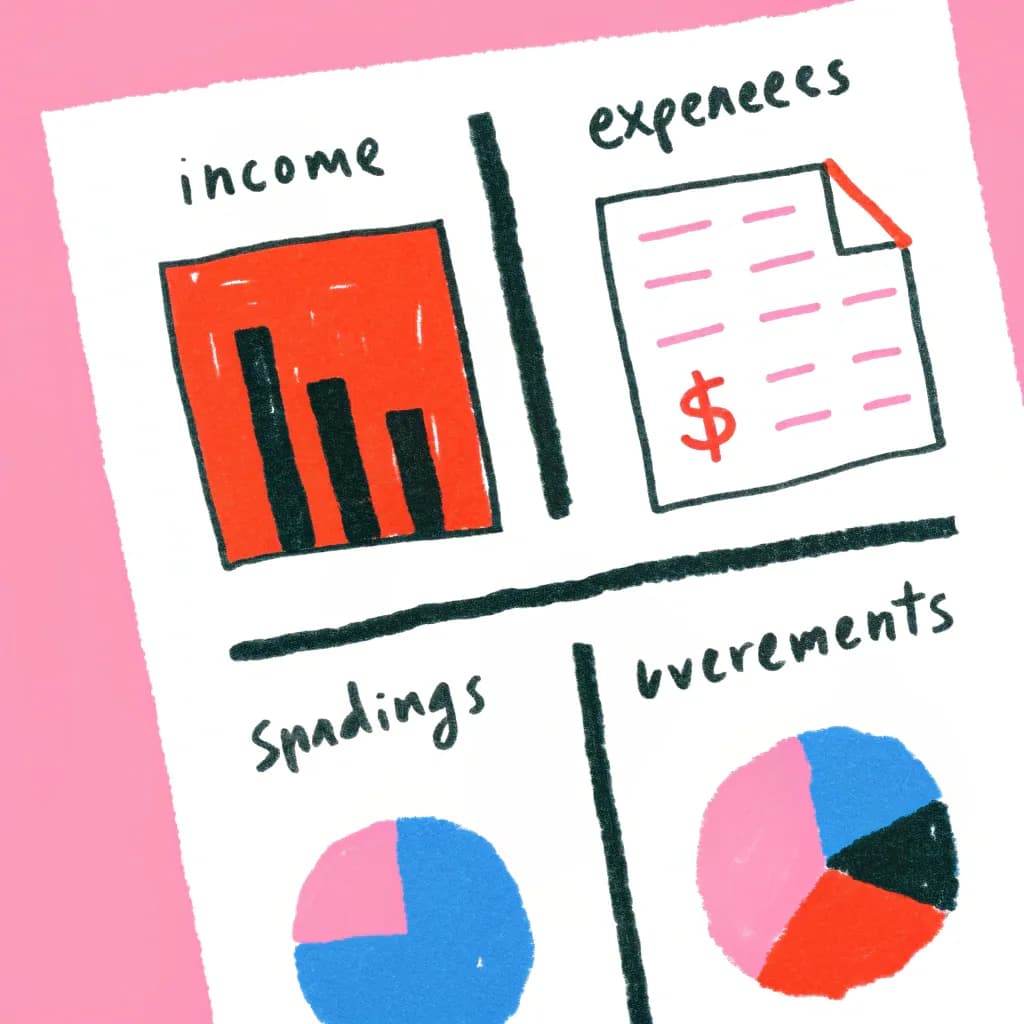
I used to hate looking at my finances. Spreadsheets full of numbers gave me anxiety. Then I discovered something game-changing: visualizing my money with simple diagrams.
Suddenly, I could see where my money was going, where it should go, and what I needed to change. No accounting degree required.
Why Money Management Feels Overwhelming
Let's be honest-most personal finance advice assumes you love spreadsheets and math. But what if you're a visual person? What if rows and columns make your eyes glaze over?
That's where diagrams come in. They turn intimidating numbers into clear pictures you can actually understand and act on.
The Visual Money Management System
Diagram Type #1: Money Flow Chart
What it shows: Where your money comes from and where it goes
How to create it:
- Start with a box labeled "Monthly Income: $X"
- Draw arrows pointing to your major spending categories
- Label each arrow with the category and amount
- Use different colors for needs (green), wants (blue), and savings (gold)
Real example from my life:
I discovered I was spending $400/month on food delivery. Seeing that huge arrow in my diagram was the wake-up call I needed. No spreadsheet ever made it that obvious.
Diagram Type #2: Debt Payoff Timeline
What it shows: Your path to becoming debt-free
How to create it:
- Draw a horizontal line representing time
- Mark today's date on the left
- Add milestones for each debt you're paying off
- Show the final "Debt-Free Day" at the end
Why it works:
Seeing that finish line makes it real. I put mine on my fridge. Every month I updated it, getting closer to that glorious end date.
Diagram Type #3: Savings Goals Mind Map
What it shows: All your savings goals and how they connect
How to create it:
- Put "Savings Goals" in the center
- Branch out to major categories (Emergency Fund, Vacation, Down Payment, etc.)
- Add sub-branches with specific amounts and target dates
The power of this approach:
When I saw all my goals visually, I realized some conflicted with others. I was trying to save for a vacation while also building an emergency fund. The mind map helped me prioritize.
Creating Your Personal Finance Dashboard
Think of this as your money command center. One visual page that shows your complete financial picture.
Components to Include:
Income Section
- Main salary/wages
- Side hustles
- Passive income
- Other sources
Fixed Expenses Section
- Rent/mortgage
- Utilities
- Insurance
- Subscriptions
Variable Expenses Section
- Groceries
- Entertainment
- Shopping
- Dining out
Savings Section
- Emergency fund
- Retirement
- Specific goals
Debt Section
- Credit cards
- Loans
- Payment timelines
How to Set It Up:
Use boxes for categories, arrows for money flow, and colors for different types of money. Update it monthly.
I know someone who literally prints hers out and colors in progress bars with markers. Whatever works!
The Budget Sankey Diagram
This is my favorite visual budget tool. A Sankey diagram shows flows using bands that get thicker or thinner based on amounts.
How it helps:
You instantly see which expenses are eating up most of your income. The thick bands are impossible to ignore.
How to read it:
- Left side: Your income source(s)
- Right side: Where it all goes
- Thick bands: Major expenses
- Thin bands: Minor expenses
The revelation:
I thought I was "pretty good" with money. Then I created a Sankey diagram and saw that "miscellaneous spending" was the second-thickest band. Oops.
Visualizing Your Net Worth Over Time
What you need:
A simple line graph showing your net worth month by month.
Why it matters:
You might feel like you're not making progress, but seeing that line trend upward (even slowly) is incredibly motivating.
How to create it:
- Calculate your net worth (assets minus debts)
- Plot it on the first day of each month
- Connect the dots
- Add goal lines for where you want to be
Pro tip: Even if the line dips sometimes (life happens), the overall trend is what counts.
The Spending Category Pie Chart
Yes, it's simple, but it's powerful.
What you see:
Your spending broken into slices. The bigger the slice, the more you spend in that category.
The honest truth:
My "eating out" slice was embarrassingly huge. But I needed to SEE it to believe it.
How to use it:
- Create one for last month
- Create an ideal one for how you WANT to spend
- Compare them
- Adjust your behavior
Emergency Fund Visual Tracker
The concept:
A visual thermometer showing your progress toward your emergency fund goal.
Why it works:
It's satisfying to color in progress. Sounds childish? Maybe. But it keeps me motivated in a way that a number in an app never did.
How to create it:
- Draw a thermometer or progress bar
- Mark your goal at the top
- Color in your progress each time you add money
- Put it somewhere you'll see daily
Bill Payment Workflow Diagram
What it solves:
Never miss a payment or late fee again.
How to create it:
- List all your recurring bills
- Show them on a monthly calendar view
- Mark due dates clearly
- Add arrows showing which bills come from which accounts
The benefit:
I used to get hit with late fees because I'd forget when things were due. Now I have a visual payment schedule. No more $35 late fee surprises.
The 50/30/20 Visual Budget
You've heard of the 50/30/20 rule (50% needs, 30% wants, 20% savings), but have you seen it?
How to visualize it:
Create three boxes representing your after-tax income:
- Half the box for needs
- 30% for wants
- 20% for savings
Fill in what you actually spend in each category.
The moment of truth:
When your "wants" box overflows and your "savings" box is empty, you know exactly what needs to change.
Investment Portfolio Visualization
Not just for Wall Street:
Even if you're just starting to invest, seeing your portfolio visually helps.
Simple approach:
- Circle for each investment type (stocks, bonds, real estate, etc.)
- Size represents how much money is in each
- Colors represent risk level
Why bother:
I didn't realize I was too heavily invested in risky assets until I saw them all together visually.
Creating Your Financial Roadmap
This is the big picture:
A timeline showing your financial future from today to retirement.
What to include:
- Major life events (buying a house, kids' college, retirement)
- Income changes (promotions, career switches)
- Big purchases
- Debt payoff milestones
- Savings goals
Why it matters:
It's one thing to say "I'll retire someday." It's another to see that day marked on a timeline with all the steps leading to it.
Tools to Make This Easy
Option 1: Paper and Colored Pens
Pros: Tactile, satisfying, no tech needed Cons: Hard to update, can't easily share
Best for: People who love the physical act of tracking
Option 2: Whiteboard in Your Office
Pros: Easy to update, always visible Cons: Not private if you have roommates/visitors
Best for: Daily motivation and accountability
Option 3: Digital Diagramming Tools
Pros: Professional-looking, easy to update, shareable with partner Cons: Requires screen time
Best for: People who want polished, updateable diagrams
Option 4: AI-Powered Diagram Tools
Pros: Describe what you want, get instant results Cons: Less hands-on control
Best for: Getting started fast without design skills
Monthly Money Visual Review
Here's my monthly routine:
Week 1: Update my money flow diagram with last month's actual spending
Week 2: Adjust my Sankey diagram to see changes
Week 3: Update progress trackers for goals and debts
Week 4: Create next month's planned budget visually
Time it takes: About 30 minutes total
Impact: Priceless clarity about my financial situation
Common Visual Finance Mistakes
Mistake #1: Too Much Detail
The problem: Trying to track every coffee purchase visually
The fix: Focus on major categories. Combine small expenses into "miscellaneous"
Mistake #2: Not Updating Regularly
The problem: Your diagram becomes outdated and useless
The fix: Set a monthly reminder. Make it part of your routine.
Mistake #3: Making It Too Pretty
The problem: Spending more time on design than analysis
The fix: Function over form. A messy diagram that helps is better than a pretty one that doesn't.
Visual Budgeting for Couples
The challenge: Two people, one financial picture
The solution: Create shared visual diagrams that both partners can understand and contribute to.
What works:
- Money flow chart showing both incomes combining
- Shared goals mind map with individual and joint goals
- Spending comparison showing each person's discretionary spending
- Joint timeline for major financial milestones
The benefit: Fewer money fights. When you both see the same picture, you're more likely to agree on priorities.
Teaching Kids with Visual Money Lessons
Start young:
Even kids can understand simple diagrams about money.
Ideas:
- Allowance flow chart (earn → save/spend/give)
- Savings goal thermometer for their toy fund
- Simple timeline for saving up for something they want
Life skills: These visual tools teach financial literacy in a way that lectures never could.
Your Action Plan
This week: Create a simple money flow diagram showing where your income went last month.
This month: Build your personal finance dashboard with all key components.
This quarter: Establish a visual tracking system for your top financial goal.
This year: Create your complete financial roadmap from now to retirement.
The Bottom Line
You don't need to be a numbers person to be good with money. You just need to see your finances in a way that makes sense to your brain.
For many of us, that means diagrams, not spreadsheets.
Start simple. Pick one visual tool from this article and create it today. You'll be amazed at what becomes clear when you can actually see your money.
Your financial future is too important to be hidden in intimidating spreadsheets. Make it visible. Make it clear. Make it actionable.
Want to create financial diagrams without wrestling with complex software? Try AutoDiagram-describe your financial situation in plain English and get instant visual representations. No finance degree or design skills needed.