
Family Chaos to Family Calm: Visual Planning Systems That Actually Work with Kids

Family Chaos to Family Calm: Visual Planning Systems That Actually Work with Kids
"Mom, where's my soccer uniform?"
"Dad, when's my dentist appointment?"
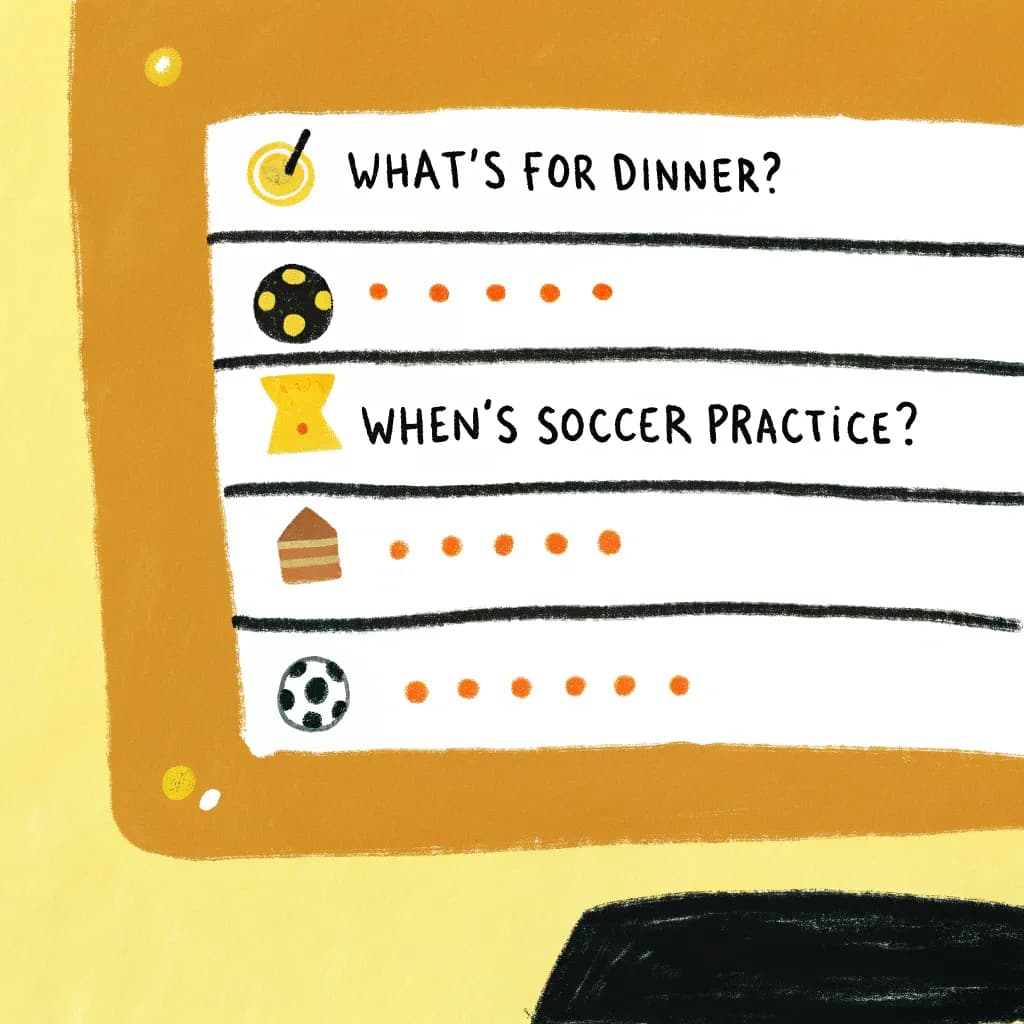
"What's for dinner?"
"I forgot I have a project due tomorrow!"
Sound familiar? Welcome to family life-where nobody knows what's happening and everyone's asking you!
Here's the thing: You can't hold everyone's schedule in your head. You shouldn't have to!
Visual family planning systems get everyone on the same page. Reduce questions by 80%. And actually make family life... manageable!
The "Family Command Center" Concept
One central location where everyone can see:
- Who has what going on today
- What's for meals this week
- Who's responsible for what chores
- Important reminders and info
Location: High-traffic area (kitchen is perfect!)
Components: We'll build this step by step...
Component #1: The Family Calendar (Visual Edition)
Not your typical calendar! Make it BIG and VISUAL.
Setup:
- Large monthly calendar (whiteboard, printed poster, or chalkboard)
- Color code by family member (Dad = blue, Mom = green, Kid 1 = red, Kid 2 = yellow)
- Use magnets, stickers, or markers
What goes on it:
- Everyone's activities and appointments
- School events
- Work commitments
- Family plans
- Important deadlines
Why it works: One glance shows the whole family's week. No more "I didn't know!" excuses.
Pro tip: Sunday evening, everyone gathers for 10 minutes. Review next week together. Add anything new.
Component #2: The Weekly Meal Plan (No More "What's For Dinner?")
Biggest time-saver ever!
Simple visual format:
MON: Taco Tuesday (easy!)
TUE: Leftover night
WED: Pasta + salad
THU: Chicken stir-fry
FRI: Pizza (takeout)
SAT: Dad grills
SUN: Family cooking night
Benefits:
- ✓ No daily "what should I cook?" stress
- ✓ One shopping trip gets everything
- ✓ Kids can help with meal prep (they know what's planned!)
- ✓ Reduces food waste
- ✓ Stops the "what's for dinner?" questions!
Advanced: Add photos! Kids (and hungry adults) love seeing what's coming.
Component #3: The Chore Chart (That Actually Gets Used!)
Traditional chore lists don't work. Visual chore systems DO!
Option A: The Moving Magnet System
Three columns on a board:
| TO DO | DOING | DONE |
Each chore is a magnet. Kids move them as they progress.
Why kids love it: Satisfying to move to DONE! Visual progress!
Option B: The Weekly Grid
        MON TUE WED THU FRI SAT SUN
Emma    [ ] [ ] [ ] [ ] [ ] [ ] [ ]
Jake    [ ] [ ] [ ] [ ] [ ] [ ] [ ]
Check off each day chore is done. End of week = reward if all checked!
Chores to include:
- Age-appropriate tasks
- Rotating responsibilities
- One-time vs. daily chores
- "Bonus" optional chores for extra rewards
Component #4: Morning and Evening Routines (Visual Checklists)
The chaos eliminators!
Morning Routine Visual (at kid's eye level):
☀️ MORNING
□ Wake up
□ Make bed
□ Get dressed
□ Breakfast
□ Brush teeth
□ Pack backpack
□ Shoes on
□ Ready!
Use: Pictures for young kids, words for older kids.
Evening Routine Visual:
🌙 EVENING
□ Homework
□ Dinner
□ Bath/shower
□ Lay out tomorrow's clothes
□ Pack backpack
□ Brush teeth
□ Reading time
□ Bed!
Result: Kids can self-manage! You're not nagging. They check the list!
The "Packing List" Visual (No More Forgotten Items!)
For kids who constantly forget things:
Create visual packing lists (laminated, posted by door):
School Backpack Checklist:
- 📚 Homework folder
- 📖 Books
- 🥪 Lunch/lunch money
- 💧 Water bottle
- 📝 Permission slips
- 🎽 Sports uniform (if needed)
Kids check before leaving. Prevents forgotten homework, lunch, etc.!
Make multiple:
- Swim practice packing list
- Overnight at grandma's list
- Camp packing list
- Sports game list
The "Question Board" (Reduce Repeated Questions!)
Tired of answering the same questions?
Create a visual Q&A board:
Q: When's my birthday party?
A: Saturday the 15th, 2-4pm
Q: Can friends come over?
A: Yes, but ask 24 hours ahead
Q: What's the WiFi password?
A: [posted here]
Q: When's soccer practice?
A: See calendar → [arrow pointing to calendar]
Kids can check the board instead of asking you for the 47th time!
Real Story: From Chaos to Calm
My friend Sarah had 3 kids, worked full-time, and felt like a chaos coordinator.
Her problems:
- Constant "when's my..." questions
- Forgotten activities and appointments
- Daily dinner stress
- Battle over chores
- Morning rush madness
We implemented:
- Visual family calendar
- Weekly meal plan board
- Chore chart with moving magnets
- Morning routine checklists
Results after one month:
- 80% reduction in "When's..." questions
- Zero forgotten activities
- Dinner stress gone (planned ahead!)
- Kids doing chores without being asked
- Mornings running smoothly
Her words: "I feel like I got my sanity back!"
Digital vs. Physical Family Planning
Physical (boards, calendars, charts):
Pros:
- Always visible (can't miss it!)
- No screens needed
- Tactile (satisfying to move magnets, check boxes)
- Whole family sees it naturally
- Works for all ages
Cons:
- Takes wall space
- Can't access when out
- Manual updates
Best for: Main family hub at home
Digital (apps, shared calendars):
Pros:
- Access anywhere
- Automatic reminders
- Easy to update on-the-go
- Syncs across devices
- Search history
Cons:
- Out of sight = out of mind
- Not great for young kids
- Requires devices
Best for: Parents coordinating on-the-go
My recommendation: Physical hub at home + digital backup for parents!
The "Weekly Family Meeting" Ritual
Sunday evening, 15 minutes, everyone attends:
Agenda:
- Celebrate wins from last week (2 min)
- Review calendar for upcoming week (5 min)
- Meal planning input from everyone (3 min)
- Address issues or concerns (3 min)
- Set weekly goals (2 min)
Make it visual: Stand around the command center. Point to calendar, meal plan, etc.
Result: Everyone knows what's coming. No surprises. Shared ownership!
Visual Allowance Tracking
Teaching kids about money? Make it visual!
Option 1: The Jar System
- Physical jars labeled: SAVE | SPEND | GIVE
- Kids visually see money grow
- Makes abstract concept concrete
Option 2: The Chart Tracker
Week 1: ⭐⭐⭐⭐⭐ ($5 earned)
Week 2: ⭐⭐⭐⭐⭐ ($5 earned)
Total saved: $47 | Goal: $60 (for new toy)
Progress bar visual toward goals!
The "Countdown" Visuals (For Upcoming Events)
Kids constantly asking "How many days until..."?
Create countdown visuals:
Example: Summer Vacation Countdown
[30 paper chain links]
Each day, remove one link.
When chain is gone = VACATION!
Or: Visual calendar where kid crosses off each day.
Why it works: Makes time tangible for kids. Reduces anticipation anxiety!
Behavior Management Visual Systems
Instead of constant reminders and nagging:
Visual Behavior Chart:
        MON TUE WED THU FRI
Listen  ⭐   ⭐   ⭐   ○   ⭐
Kind    ⭐   ⭐   ⭐   ⭐   ⭐
Chores  ⭐   ○   ⭐   ⭐   ⭐
At end of week: Count stars. Minimum stars = reward (screen time, special activity, etc.).
Makes expectations clear. Kids know what they're working toward!
The "Emergency Info" Visual
One sheet everyone can access:
Important Numbers:
- Parents' cell phones
- Emergency contacts
- Neighbors
- Poison control
- Non-emergency police
Medical Info:
- Allergies
- Medications
- Doctor contacts
Other:
- WiFi password
- Where important items are kept
- Emergency meeting place
Laminate and post in multiple places!
Visual Systems for Specific Family Challenges
Challenge: Kids Fighting Over Screens
Solution: Visual screen time schedule
        iPad        TV         Gaming
Mon     Emma 4-5pm  Both 7-8pm Jake 5-6pm
Tue     Jake 4-5pm  Both 7-8pm Emma 5-6pm
...
No more arguing! It's on the schedule.
Challenge: Missing Homework/Papers
Solution: "Inbox/Outbox" system by door
- Inbox: Papers from school go here immediately
- Outbox: Signed papers to return
Challenge: Sibling Responsibilities Confusion
Solution: Visual responsibility chart showing who does what when
Challenge: Forgotten Sports Equipment
Solution: Visual gear checklist by sport, posted by garage door
Adapting for Different Ages
Toddlers (2-4):
- Picture-only checklists
- Very simple (3-4 items max)
- Stickers as rewards
- Parental help required
Young Kids (5-8):
- Pictures + words
- Daily routines work well
- Chore charts with rewards
- Growing independence
Tweens (9-12):
- More responsibility
- Input on systems
- Self-checking habits
- Digital integration ok
Teens (13+):
- Shared digital calendars
- More autonomy
- Accountability systems
- Preparing for independence
When Family Members Resist Visual Systems
Common pushback: "This is too much work!" or "I'll just remember!"
Solutions:
Start small: One system at a time. Prove it works before adding more.
Get buy-in: Let family help design the system. More ownership = more use!
Make it fun: Colors, decorations, gamification for kids.
Show benefits: "Remember last week when you forgot your cleats? This prevents that!"
Be consistent: Use it daily for 3 weeks. Habits form!
Your Family Planning Challenge
This weekend:
-
Pick one source of family chaos (dinner questions? Forgotten events? Chore battles?)
-
Create one visual system to address it (meal plan board? Calendar? Chore chart?)
-
Involve the family in setting it up
-
Use it consistently for 2 weeks
-
Assess the impact: Fewer questions? Less stress? Better organization?
I bet you'll see immediate improvement. And you'll want to add more visual systems!
Ready to bring visual calm to your family? Use AutoDiagram to create custom family planning visuals-from chore charts to calendars → Organize Your Family
Quick FAQ
Q: My kids are too young to read. Will this work?
A: Yes! Use pictures/photos instead of words. Even 3-year-olds can follow picture checklists!
Q: We're never home at the same time. How do we use a physical board?
A: Combine physical (for kids) with digital (for parents). Take photos of the board to reference remotely!
Q: What if someone doesn't follow the system?
A: Revisit as a family. Is it too complicated? Not in a visible location? Adjust until it works for everyone.